
Still Using
Paper Forms?
Filing cabinets full of W-4s. Binders of handwritten warnings. A clipboard that’s always missing. Sound familiar? There's a better way — and it takes about 3 minutes to start.
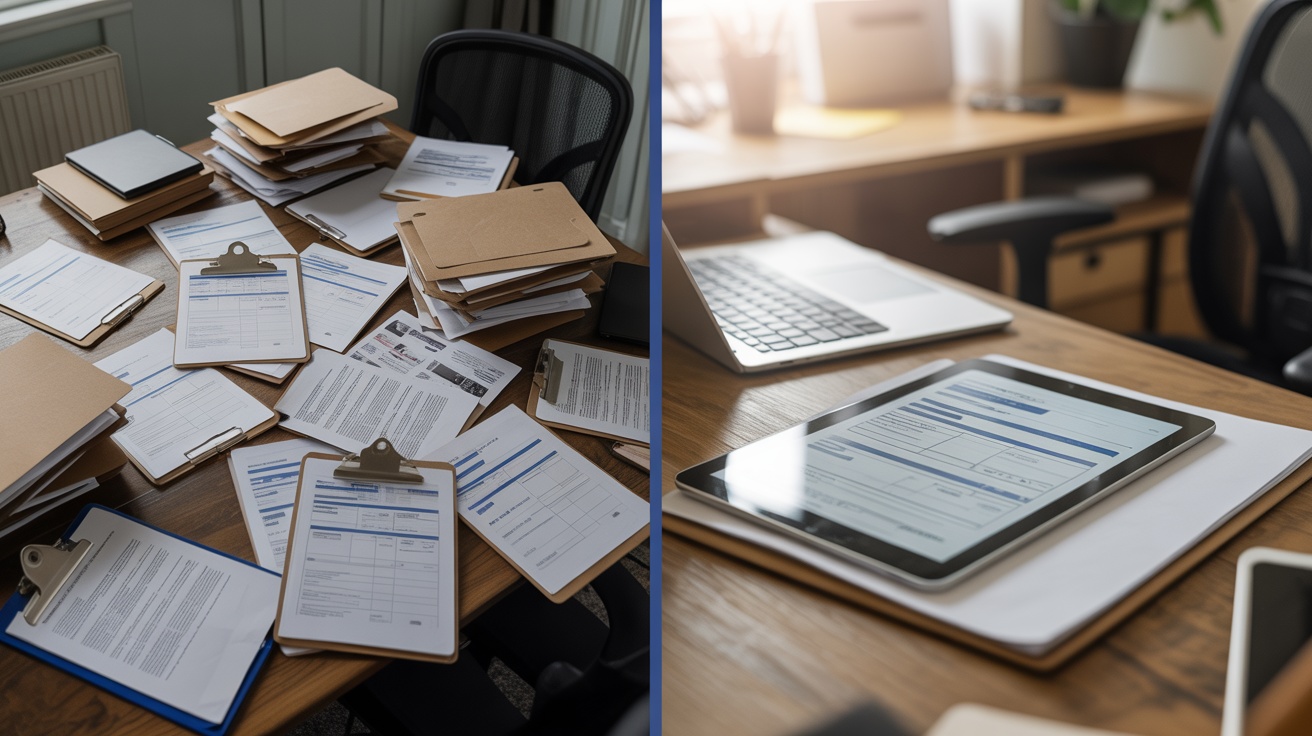
Paper is costing you more than you think
Every lost form, every missed signature, every hour spent filing — it adds up. Here’s what changes when you go digital.

The Paper Way
- Filing cabinets stuffed with forms nobody can find
- Handwritten W-4s with illegible handwriting
- Chasing employees for missing signatures
- No audit trail — if it's lost, it's gone
- Hours spent organizing, copying, and filing

The MyForms24/7 Way
- Every form is digital, searchable, and instantly accessible
- Employees fill out forms on their phone — clean and legible every time
- E-signatures happen automatically with a link via email
- Full audit trail — IP address, timestamp, consent logged
- PDFs generated and stored securely in the cloud — zero filing
Up and running in under 3 minutes
No training required. No IT department needed. If you can send a text message, you can use MyForms24/7.
Step 1: Visit the Website
Browse our library of professional forms — onboarding, tax forms, warnings, evaluations, and more. Try a free form right now to see the quality for yourself.
Browse FormsStep 2: Start a 14-Day Free Trial
No credit card required. Your trial includes the full Staff Onboarding kit (W-4, I-9, Direct Deposit & more), an Employment Application, and Employee of the Month certificates. You get your own Employer Portal to track submissions, employees, and documents. Need evaluations, warnings, or advanced tools? Those unlock with a paid plan.
See PricingStep 3: Share a Link
Copy your unique form link and text or email it to an employee. They fill it out on their phone. You get the completed PDF in your inbox. That's it.
View SolutionsEvery tool your operation needs — in one place
Each feature replaces something you’re currently doing by hand, on paper, or not doing at all.
Staff Onboarding
Replaces: Paper W-4, I-9, direct deposit forms
New hires fill out everything on their phone before Day 1. PDFs generated, signed, and stored automatically.
E-Signatures
Replaces: Print → sign → scan → email → file
Send a link, they sign on their phone. You get the document with a full legal audit trail.
Warnings & Write-Ups
Replaces: Handwritten warning notices
Professional verbal and written warnings with e-signature acknowledgment. Instant PDF for the file.
Peer Evaluations
Replaces: Annual reviews nobody wants to do
Anonymous 360° team feedback. Auto-email eval links, deadline enforcement, color-coded score reports and PDFs.
Occurrence Tracking
Replaces: Spreadsheets tracking tardiness / no-shows
Automatic point tracking, color-coded warning levels, and professional warning PDFs generated at thresholds.
Side Work Checklists
Replaces: Laminated checklists and dry-erase boards
Digital opening/closing checklists by position. Staff check off tasks on their phone — managers see who completed what.
Order Guides
Replaces: Paper ordering sheets faxed to vendors
Kitchen staff enter quantities against par levels on their phone. Completed guides emailed to your vendor contacts automatically.
HR Onboarding Checklists
Replaces: Binder-based new hire checklists
10-section onboarding checklist per role. Track every step, who completed it, and when. Generates a PDF when finished.
Tip & Bonus Calculators
Replaces: Napkin math and Excel spreadsheets
Bus person tip calculator and efficiency bonus calculator. Fair, transparent, documented. PDF for payroll.
Certificates & Awards
Replaces: Buying certificate templates online
5 beautiful certificate types — Employee of the Month, Training Completion, Safety Awards, and more. Auto-email to recipients.
Apparel Ordering
Replaces: Group texts asking "what size do you need?"
Build a uniform catalog with photos and prices. Staff order on their phone. Inventory tracked in real time.
Document Security
Replaces: Unlocked filing cabinets
Every document is encrypted and stored in the cloud. Access controls, audit trails, and automatic PDF generation.
Monday morning: Paper vs. MyForms24/7
See how a typical restaurant manager’s morning looks with paper forms vs. digital.
Paper Way
Digs through filing cabinet for new hire's incomplete I-9
MyForms24/7
Gets a notification — new hire completed all onboarding forms last night from home
Paper Way
Handwrites a verbal warning, makes a photocopy, hopes nobody loses it
MyForms24/7
Types the details, employee e-signs on their phone, PDF auto-filed
Paper Way
Counts walk-in inventory with a clipboard, then calls vendors one by one
MyForms24/7
Cook enters counts on their phone against par levels — order auto-emailed to vendor
Paper Way
Prints and passes out opening side work lists — can't tell who actually did theirs
MyForms24/7
Staff check off tasks on their phone. Manager gets email: all opening tasks complete
Paper Way
Spends 30 minutes calculating bus person tip-outs by hand
MyForms24/7
Server enters shift details, calculator does the math, PDF saved for payroll
Paper Way
Health inspector asks for training records. Panics. Digs through 3 boxes.
MyForms24/7
Pulls up the portal, searches by employee name, downloads PDF in 5 seconds
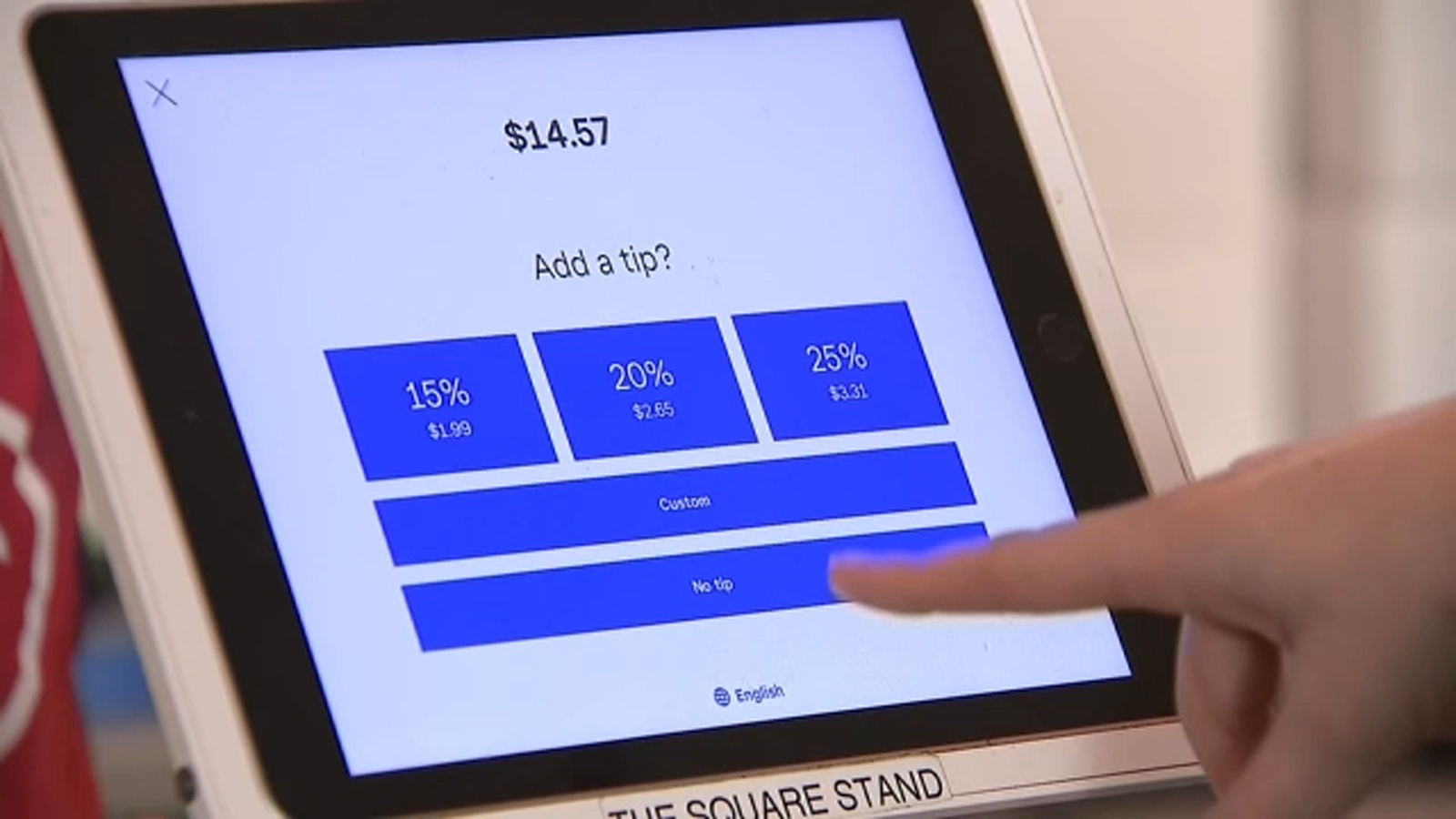
Your team is already on their phones.
Now those phones are the most powerful tool in your operation.
The numbers tell the story
Saved per week on paperwork
Digital audit trail coverage
To go from signup to first form
Cost to try it with a free trial
Built for businesses that run on people
Ready to ditch the paper?
Start with a free trial — no credit card required. See why businesses are switching to MyForms24/7.